Small Office Security Without a Security Team: What Actually Works
Employee theft costs US businesses $50 billion annually, and 75% of employees admit to stealing at least once. Here's how small offices protect their space without adding headcount or installing expensive hardware.
Knockli Team
Workplace Solutions
Building smart access solutions for modern offices without the security overhead.
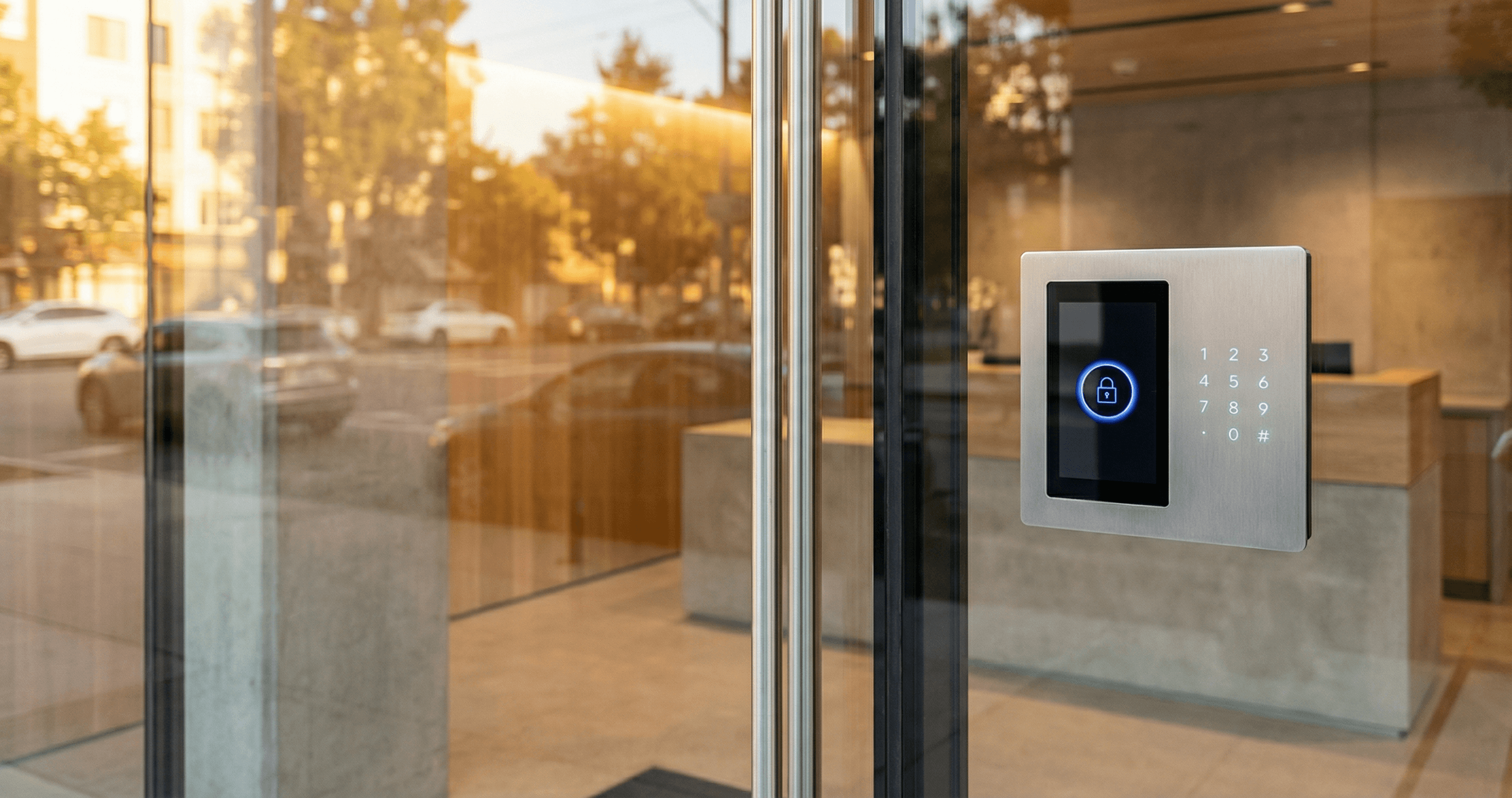
Employee theft costs US businesses $50 billion every year. That's not a typo. And if you think it's only happening at retail stores and warehouses, consider this: according to Embroker's research on employee theft, 75% of employees admit to stealing from their employer at least once.
For small offices without dedicated security staff, that statistic should be uncomfortable. You don't have a guard at the door. You might not have a receptionist. And with hybrid work, you often don't know who's in the building at any given time.
This isn't about paranoia. It's about protection. Small office security doesn't require hiring a security team or installing expensive hardware. Modern access control gives you 24/7 coverage, complete audit trails, and theft deterrence at a fraction of traditional security costs.
The Hidden Cost of Unsecured Offices
Small businesses are disproportionately affected by workplace theft. Effective workplace theft prevention starts with understanding the scale of the problem. According to Keevee's employee theft statistics, small businesses lose approximately 5% of their annual revenue to employee theft. For a company doing $2 million in revenue, that's $100,000 walking out the door.
The numbers get worse:
- 33% of business bankruptcies are attributed to employee theft
- The average theft incident costs $1.13 million when including lost assets, recovery efforts, and prevention measures
- Only 2% of employee theft cases are reported to law enforcement
That last point matters. Most theft goes unreported because businesses lack documentation, can't prove who had access, or simply don't realize it's happening until much later.
Why Traditional Security Falls Short
Hiring a security guard seems like the obvious answer, but the economics rarely work for small offices:
| Security Approach | Annual Cost | Coverage | Audit Trail |
|---|---|---|---|
| Full-time security guard | $35,000-50,000+ | 40 hours/week | Manual logs, if any |
| Part-time guard | $15,000-25,000 | 20 hours/week | Inconsistent |
| Shared building security | Variable | Lobby only | Not your records |
| No dedicated security | $0 | None | None |
A security guard at $50,000/year still only covers 40 hours per week. After-hours, weekends, and holidays? Your office is unprotected. And those manual security logs? They're only as reliable as the person filling them out.
Why Small Office Security Is Often an Afterthought
Small offices face a specific combination of security challenges that larger companies don't:
No dedicated security budget. When you're running lean, security competes with everything else. It's easy to deprioritize until something goes wrong.
Hybrid work creates gaps. According to HID's State of Physical Access Control Report, 48% of organizations now use access control to monitor building usage throughout the day. But most small offices lack any visibility into who's actually there.
After-hours exposure. Your cleaning crew arrives at 6 PM. Your HVAC vendor needs weekend access. A late-working employee lets in a "friend." Without documentation, you'll never know what happened.
Trust-based access. Small teams often rely on shared keys, door codes, and the assumption that everyone is trustworthy. That works until it doesn't.
The uncomfortable truth: if you don't know who's in your office and when, you can't prevent theft, investigate incidents, or even prove what happened.
What Is Office Access Control?
What is office access control? Office access control is a system that manages who can enter your office, when they can enter, and maintains a record of every access event. Modern solutions range from keycard systems to AI-powered phone-based access that works with existing intercoms.
For small offices, access control doesn't mean turnstiles and security badges. It means replacing "the honor system" with documented, policy-driven entry.
The core functions:
- Authentication: Verify the person is who they claim to be
- Authorization: Check if they're allowed access at this time
- Logging: Record every entry attempt (successful or not)
- Alerting: Notify designated people about specific events
Modern access control works without replacing your existing hardware. If your building has a phone-based intercom (most do), software solutions can add intelligent screening, verification, and complete audit trails.
5 Small Office Security Gaps That Access Control Closes
1. Unauthorized Entry During Business Hours
During a normal workday, anyone can walk through an unlocked door or tailgate behind an employee. Access control requires verification for every entry, creating a psychological and practical barrier to unauthorized access.
The deterrent effect matters. According to security research, visible access control systems reduce theft attempts because potential bad actors know their entry is being recorded.
2. After-Hours Office Security
Your office is most vulnerable when it's empty. Without access control, you have no visibility into who enters outside business hours.
Modern solutions let you:
- Set different access policies for business hours vs. after-hours
- Require additional verification for evening/weekend entry
- Get instant notifications when someone accesses the building unexpectedly
- Create scheduled access windows for vendors and cleaning crews
3. The "Who Was Here?" Problem
When something goes missing or an incident occurs, the first question is always: who had access?
Without a business access audit trail, you're left guessing. With one, you have timestamped records of every entry, including who, when, how they verified, and the outcome.
4. Key and Code Proliferation
Physical keys get copied. Door codes get shared. Former employees sometimes retain access months after leaving.
Access control eliminates this by:
- Using credentials that can't be duplicated (mobile, biometric)
- Allowing instant revocation when someone leaves
- Providing visibility into every active credential
- Eliminating the "change all the locks" problem
5. Compliance and Liability Documentation
If an incident occurs, you need documentation. Insurance claims, HR investigations, and legal proceedings all require evidence of who had access and when.
Access control audit trails provide this automatically. Every entry gets logged with timestamp, identity, and verification method.
Cost Comparison: Security Staff vs. Access Control
The economics strongly favor software-based access control for small offices:
| Factor | Security Guard | Access Control Software |
|---|---|---|
| Annual cost | $35,000-50,000+ | $2,400-4,800 ($200-400/month) |
| Coverage hours | 40 hours/week | 24/7/365 |
| After-hours protection | None or extra cost | Included |
| Audit trail | Manual, inconsistent | Automatic, complete |
| Scalability | Add headcount | Add entrances to subscription |
| Setup time | Weeks (hiring, training) | 10-15 minutes |
| Consistency | Varies by individual | Same policies every time |
At roughly 10% the cost of a full-time guard, access control provides better coverage (24/7 vs. 40 hours), better documentation (automatic vs. manual), and better consistency (policy-driven vs. human judgment).
The Hidden ROI
Beyond direct cost comparison, consider:
- Theft deterrence: The documented entry requirement discourages opportunistic theft
- Incident resolution: Audit trails speed up investigations and support insurance claims
- Compliance: Many industries require documented access control for regulatory compliance
- Peace of mind: You know who's in your office, even when you're not there
How Software-First Office Security Works
What is software-first access control? Software-first access control modernizes your existing intercom or entry system by adding intelligent call handling, verification, and logging through call forwarding. No hardware replacement required.
Here's the process when someone arrives at your office:
Step 1: Entry Request Visitor buzzes your intercom. Instead of ringing a phone that may or may not be answered, the call routes to an AI-powered service.
Step 2: Identification The AI engages in natural conversation: "Hi, this is [Your Company]. Who are you here to see?" Based on the response, it determines visitor type (delivery, meeting guest, vendor, unknown).
Step 3: Verification Your policies determine what happens next:
- Scheduled vendors: Ask for passphrase, verify against scheduled window, grant access
- Meeting guests: Route to their host for approval
- Recognized deliveries: Auto-unlock during business hours
- Unknown visitors: Escalate to office manager or designated contact
Step 4: Access Decision If verification passes, the system sends the unlock command. If not, the call routes to a human decision-maker or politely declines.
Step 5: Logging Every interaction gets recorded: timestamp, stated identity, verification method, access decision, and outcome. This creates the audit trail you need for security and compliance.
Why This Works for Small Offices
- No hardware changes: Works with your existing phone-based intercom
- No IT project: Setup takes 10-15 minutes
- No staffing: AI handles routine calls; humans handle exceptions
- 24/7 coverage: Works nights, weekends, and holidays
According to Envoy's workplace security research, 62% of businesses plan to increase workplace security spending. Software-first solutions let small offices participate in this trend without enterprise budgets.
Getting Started: Implementation Without an IT Team
You don't need dedicated IT staff to implement office access control. Here's a practical checklist:
Assessment (15 minutes)
- Confirm your intercom dials a phone number when someone buzzes
- List your most common entry scenarios (deliveries, meetings, vendors)
- Identify who should receive notifications for different situations
- Note any after-hours access requirements (cleaning crew, late-working employees)
Setup (15 minutes)
- Forward your intercom line: Change the dial-out number to your access control service
- Configure basic rules: Start simple (deliveries auto-unlock during business hours, everything else routes to office manager)
- Test the system: Have someone buzz and verify the flow works correctly
First-Week Optimization
- Monitor which calls get auto-handled vs. escalated
- Adjust time windows based on actual delivery patterns
- Add vendor access windows for recurring contractors
- Set up host-specific routing for scheduled meetings
Ongoing Maintenance (10 minutes/month)
- Review access logs for anomalies
- Update vendor schedules as needed
- Revoke access for departed employees
- Adjust policies based on actual usage patterns
FAQ
Does access control actually prevent theft?
Access control serves two functions: deterrence and documentation. The visible requirement to verify identity discourages opportunistic theft. When theft does occur, audit trails provide the evidence needed for investigation, insurance claims, and HR action. According to ACFE research, asset misappropriation occurs in 89% of fraud cases, making documentation critical for prevention and recovery.
What if my office is in a multi-tenant building?
You control access to your suite, not the building lobby. Software-first solutions work with your unit's intercom entry, providing security for your space regardless of building-wide policies. The building handles lobby access; you handle who gets into your office.
How do I handle after-hours vendor access?
Create scheduled access windows with passphrase verification. Example: "ABC Cleaning can access Monday/Wednesday/Friday 6-9 PM using passphrase 'evening service.'" The system verifies both the timing and the passphrase, then logs the entry automatically.
What happens during a network or power outage?
Most phone-based intercoms continue to work during internet outages because they use traditional phone lines. Leading access control solutions include fallback routing to backup numbers during service interruptions. Your intercom's existing functionality remains as a baseline.
Is this compliant with [specific regulation]?
Access control audit trails support compliance with SOC 2, GDPR, HIPAA, and other frameworks that require documented access control. Specific compliance requirements vary, so verify with your compliance officer. The key benefit: you'll have the documentation that auditors and regulators expect.
The Bottom Line
Small office security doesn't require a security team, expensive hardware, or complex IT projects. The same technology that protects enterprise buildings now works for offices of any size, at a cost that makes sense for small business budgets.
The math is straightforward:
- $50,000/year for a guard who covers 40 hours/week
- $4,800/year for software that covers 24/7/365 with complete audit trails
More importantly, you gain visibility into who's in your office and when. That visibility is what prevents theft, enables incident investigation, and provides the documentation you need for compliance and liability protection.
Ready to Secure Your Office Without Adding Headcount?
Knockli's AI-powered access control works with your existing intercom to screen visitors, verify vendors, and log every entry. No hardware replacement, no installation appointments, and setup takes less than 15 minutes.
Learn how Knockli secures offices or start a 30-day pilot to see how it handles your specific access scenarios.
This article is part of our Workplace Solutions series for office managers and operations leads at small companies. For related guidance, see our complete guide to managing visitors without a receptionist or learn how to handle vendor access without key handoffs.
Related Articles
Hybrid Work Security Gaps Most Offices Haven't Fixed
Hybrid schedules create physical security vulnerabilities most offices overlook. Learn the three biggest gaps and how smart access management closes them.
Startup Visitor Management Without the $53K Receptionist
How startups manage visitors, deliveries, and vendors without a receptionist. Compare costs, save $50K+ annually, and look professional.
Office Visitor Management Without Full-Time Reception
Learn how offices handle visitors without front desk staff using AI-powered visitor management. Compare costs, features, and implementation strategies.