Knockli vs ButterflyMX: AI Software vs Video Hardware
An objective comparison of two different approaches to building access: ButterflyMX's hardware-based video intercom versus Knockli's software-only AI that works with your existing call boxes. Which one fits your portfolio?
Knockli Team
Product
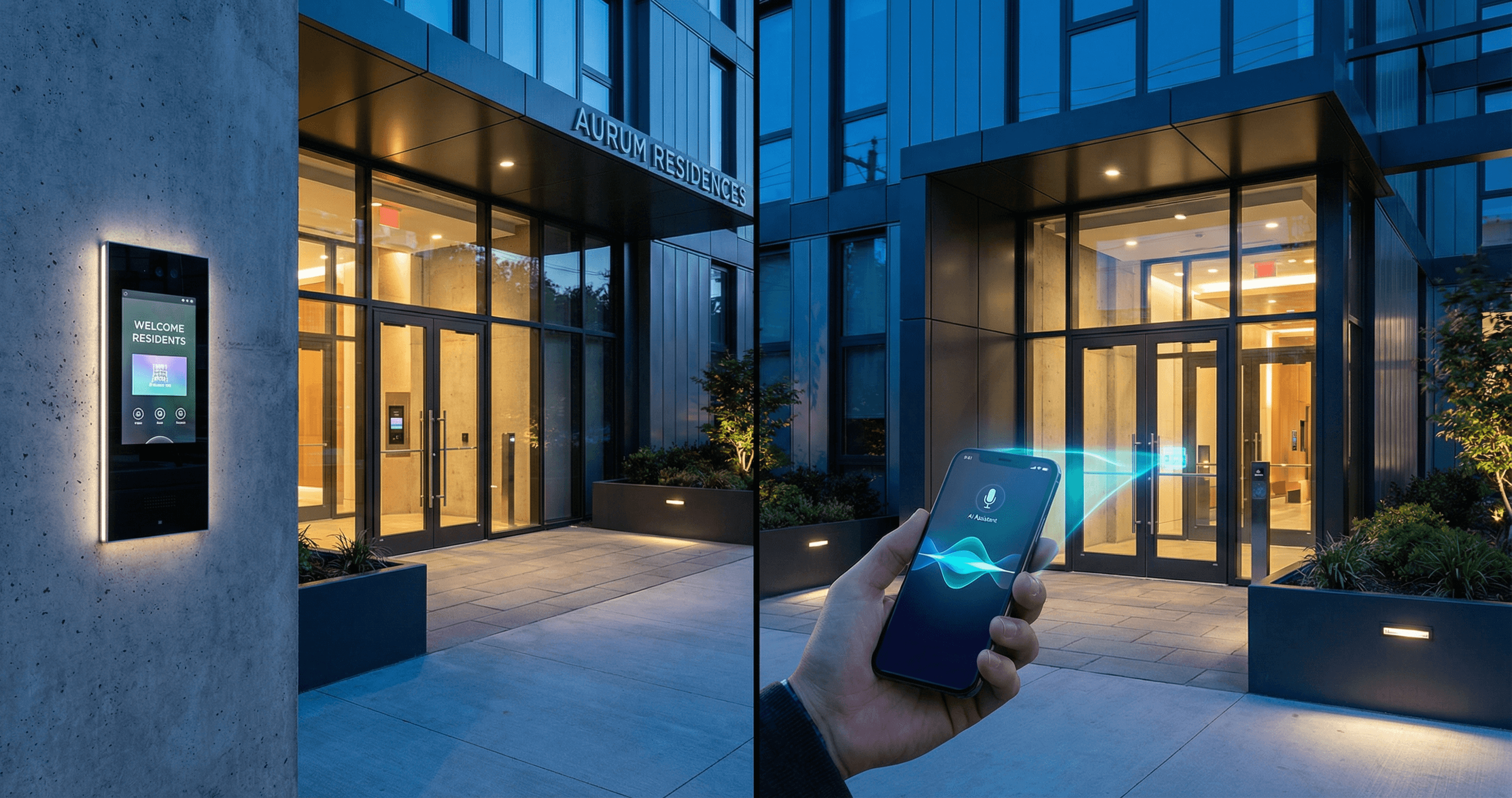
Key Takeaways
- ButterflyMX is a hardware-based video intercom requiring $4,000-$6,500 upfront per entry point, plus professional installation
- Knockli is a software-only AI solution that works with existing call boxes, requiring zero hardware investment
- Choose ButterflyMX if you want premium video and are building new or doing a full renovation
- Choose Knockli if you want to modernize legacy systems quickly without capital expenditure
Quick Comparison at a Glance
| Feature | ButterflyMX | Knockli |
|---|---|---|
| Approach | Hardware video intercom | Software-only AI |
| Hardware Cost | $3,995-$6,495 per unit | $0 |
| Installation | Certified installer required | 10-15 minute self-setup |
| Installation Cost | $200-$1,500 | $0 |
| Monthly Fee | $10-30/unit | From $5/unit |
| Video Calling | Yes (1080p HD) | No (uses existing call box) |
| AI Screening | No | Yes |
| Works with Legacy Systems | No (replaces them) | Yes |
| Multi-Building Dashboard | Yes | Yes |
| Delivery Handling | PIN codes, virtual keys | AI-powered auto-unlock |
What is ButterflyMX?
ButterflyMX is a cloud-based video intercom system that replaces traditional call boxes with touchscreen hardware. Residents manage access through a smartphone app, and visitors appear via video call.
ButterflyMX has become one of the most recognized names in multifamily access control, serving over 20,000 properties. The system centers on a sleek touchscreen intercom (available in 8" and 12" sizes) that mounts at building entrances.
Core ButterflyMX features include:
- Video calling: Visitors appear on residents' phones via live 1080p video
- Touchscreen directory: Guests search for residents by name
- Virtual keys: Send time-limited QR codes to expected visitors
- PIN access: Delivery drivers and vendors use assigned codes
- Photo audit trail: 365-day storage of entry photos
- Property management integrations: Connects with major PMS platforms
The system is designed for buildings that want a complete hardware upgrade with a modern, visual experience.
What is Knockli?
Knockli is an AI-powered virtual concierge that intercepts calls from your existing call box and handles them intelligently. It requires no hardware changes and works with legacy telephone-entry systems.
Knockli takes a fundamentally different approach. Instead of replacing your hardware, it sits between your existing call box and your residents' phones. When someone buzzes a unit, Knockli's AI answers, screens the visitor, and decides whether to grant access based on rules you define.
Core Knockli features include:
- AI-powered screening: Natural conversation to verify visitor intent
- Automatic delivery handling: Recognizes carriers like Amazon, FedEx, and DoorDash
- Solicitor blocking: AI identifies and politely declines unwanted callers
- Natural language rules: Set policies in plain English ("Let Amazon in before 8pm")
- After-hours routing: Late-night calls handled automatically or sent to on-call
- Multi-building dashboard: Manage your entire portfolio from one interface
- Vendor passphrases: Scheduled access with verification codes
The system is designed for buildings that want smart access without the complexity or cost of hardware replacement.
Installation and Setup
This is where the two solutions diverge most dramatically.
ButterflyMX Installation
ButterflyMX requires professional installation by a certified installer. The process involves:
- Hardware mounting: The video intercom panel needs to be securely mounted (surface or recessed)
- Power supply: Requires 24VDC power with a dedicated 300W/600VA UPS for power conditioning
- Network wiring: Cat5e/Cat6 Ethernet cable to your building's network (max 300 feet)
- Lock wiring: Connection to electric strikes or magnetic locks with proper voltage protection
- Configuration: Setting up the resident directory and access rules
Installation typically takes a full day or more depending on building complexity. ButterflyMX estimates installation costs between $200-$1,500 depending on existing wiring and building size.
Important: Installation must be performed by a ButterflyMX-certified installer to maintain the two-year warranty.
Knockli Setup
Knockli requires no physical installation:
- Forward your call box: Point your existing call box's phone line to your Knockli number
- Configure rules: Set your building-wide policies through the dashboard
- Go live: Start receiving AI-handled calls immediately
Setup takes 10-15 minutes. Because Knockli works over phone lines, it's compatible with most call boxes built before 2015 that use DTMF (touch-tone) unlock signals.
Compatible systems include: Aiphone, Viking, Linear, DoorKing, Mircom, and most other phone-based entry systems.
Pricing Comparison
ButterflyMX Costs
Hardware (one-time):
- 8" Video Intercom (surface): $3,995
- 8" Video Intercom (recessed): $4,495
- 12" Video Intercom (surface): $5,995
- 12" Video Intercom (recessed): $6,495
Installation: $200-$1,500 depending on building
Monthly subscription: $10-30 per unit per month (varies by contract terms)
Example: 50-unit building with one entrance
- Hardware: ~$4,000
- Installation: ~$800
- Monthly: ~$750-1,500/month ($15-30/unit)
- Year 1 Total: ~$13,800-$22,800
- Year 2+ Annual: ~$9,000-$18,000
Knockli Costs
Hardware: $0
Installation: $0
Monthly subscription:
- Essentials (single building, up to 20 units): $99/month base + $7.50/unit
- Professional (up to 1,000 units): $149/month per building + $5/unit
- Enterprise (1,000+ units): Custom pricing
Example: 50-unit building
- Hardware: $0
- Installation: $0
- Monthly: $399/month ($149 base + $250 for 50 units at $5 each)
- Year 1 Total: ~$4,788
- Year 2+ Annual: ~$4,788
Total Cost of Ownership (3-Year Comparison)
| Cost Component | ButterflyMX (50 units) | Knockli (50 units) |
|---|---|---|
| Hardware | $4,000 | $0 |
| Installation | $800 | $0 |
| Year 1 Monthly | $9,000-$18,000 | $4,788 |
| Year 2 Monthly | $9,000-$18,000 | $4,788 |
| Year 3 Monthly | $9,000-$18,000 | $4,788 |
| 3-Year TCO | $31,800-$58,800 | $14,364 |
The difference becomes even more significant for property portfolios managing multiple buildings, where Knockli's zero-hardware approach eliminates CapEx entirely.
Feature Deep Dive
Video vs AI: Different Philosophies
ButterflyMX's video-first approach means residents see who's at the door. This creates a familiar experience similar to a video doorbell. Visitors can be visually verified before granting access.
Knockli's AI-first approach means the system handles most interactions without resident involvement. The AI screens visitors through conversation, determines intent, and applies your policies automatically. Residents only get involved when needed.
Neither approach is inherently better. The right choice depends on how much you want residents managing their own access versus how much you want automated.
Delivery Handling
ButterflyMX: Delivery drivers can use assigned PIN codes or request entry through the directory. Residents can create delivery PINs and virtual keys for expected packages.
Knockli: The AI recognizes major carriers (Amazon, FedEx, UPS, USPS, DoorDash) by context. When a driver buzzes, Knockli verifies they're delivering to the building and automatically unlocks the lobby. Residents get notified. You can set delivery windows ("only between 8am-8pm").
After-Hours Management
ButterflyMX: Calls go to residents' phones regardless of time. Building managers can set quiet hours in some configurations.
Knockli: You define after-hours policies per building. Options include routing to on-call staff, politely declining with callback instructions, or allowing only verified visitors. The AI handles persistent late-night callers without waking residents.
Resident Experience
ButterflyMX: Residents must download the app to receive video calls and grant access. The app is well-rated (4.8/5 on iOS) but some users report notification delays when visitors buzz.
Knockli: Residents can optionally download the app to receive notifications and customize preferences, but it's not required. The AI handles access according to building rules even if residents never touch it.
Pros and Cons
ButterflyMX
Pros:
- Premium video experience with 1080p HD
- Residents see visitors before granting access
- Modern touchscreen hardware improves building aesthetics
- Strong brand recognition in multifamily
- 365-day photo audit trail
- Integrates with major property management software
Cons:
- High upfront hardware cost ($4,000-$6,500 per entry)
- Requires certified professional installation
- Not compatible with existing call boxes (full replacement)
- App notification delays reported by some users
- Limited after-hours automation
- Per-unit monthly fees add up for larger buildings
Knockli
Pros:
- Zero hardware cost
- 10-15 minute self-service setup
- Works with existing legacy call boxes
- AI handles deliveries, solicitors, and after-hours automatically
- Natural language policy configuration
- Lower monthly cost per unit
- Multi-building portfolio dashboard included
Cons:
- No video (relies on existing call box audio)
- Not compatible with video-only or app-only systems
- Newer technology with smaller market presence
- AI screening may feel impersonal to some visitors
- Requires phone-line-based call box (most pre-2015 systems)
Which Solution is Right for You?
Choose ButterflyMX if:
- You're building new construction and want premium entry hardware
- You're doing a full building renovation and replacing all access systems
- Residents specifically want video calling with visitors
- You have budget for $5,000+ upfront per entry point
- Building aesthetics and modern hardware appearance are priorities
- You want integration with your existing property management software
Choose Knockli if:
- You want to modernize existing buildings without capital expenditure
- Your buildings have working phone-based call boxes you don't want to replace
- You manage multiple properties and need portfolio-wide deployment
- Reducing after-hours calls and resident complaints is a priority
- You want AI to handle routine access (deliveries, vendors) automatically
- Speed of deployment matters (days vs weeks)
- Budget constraints make hardware investment difficult
Consider Both If:
Some property managers use different solutions for different buildings. New construction might get ButterflyMX for the premium experience, while older buildings in the same portfolio use Knockli to modernize without renovation costs.
The Bottom Line
ButterflyMX and Knockli solve the same problem through fundamentally different approaches.
ButterflyMX is the right choice when you want a complete hardware upgrade with video capabilities and are prepared for the upfront investment and installation process. It's particularly strong for new construction and full renovations.
Knockli is the right choice when you want to add smart access to existing buildings quickly and without hardware costs. It's particularly strong for portfolios with legacy systems and property managers who want AI to handle routine access automatically.
The best solution depends on your specific situation: your buildings' current systems, your budget constraints, and how you want access managed day-to-day.
Ready to see how Knockli works with your existing call boxes? Learn more about Knockli for property managers or explore our blog for more property management insights.
Related Articles
Last-Mile Delivery's $95 Billion Problem Routing Can't Solve
The logistics industry optimized routing while $95B in waste accumulates at building doors. Why old-stock housing drives delivery failure.
Smart Buzzer for Rentals: Automate Every Building Entrance
A smart buzzer for rentals automates visitor screening, delivery access, and entry policies with no hardware changes. Full guide for property managers.
Building Access Upgrades Driven by Lockouts, Not Break-Ins
NAA/KeyTrak research shows zero property managers cited security as a reason for smart access adoption. Lockouts, rekeying, and standardization drive upgrades.